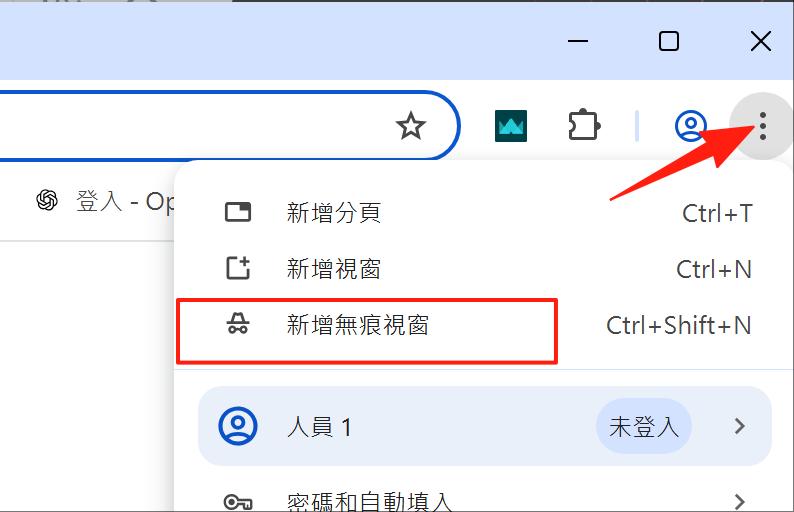
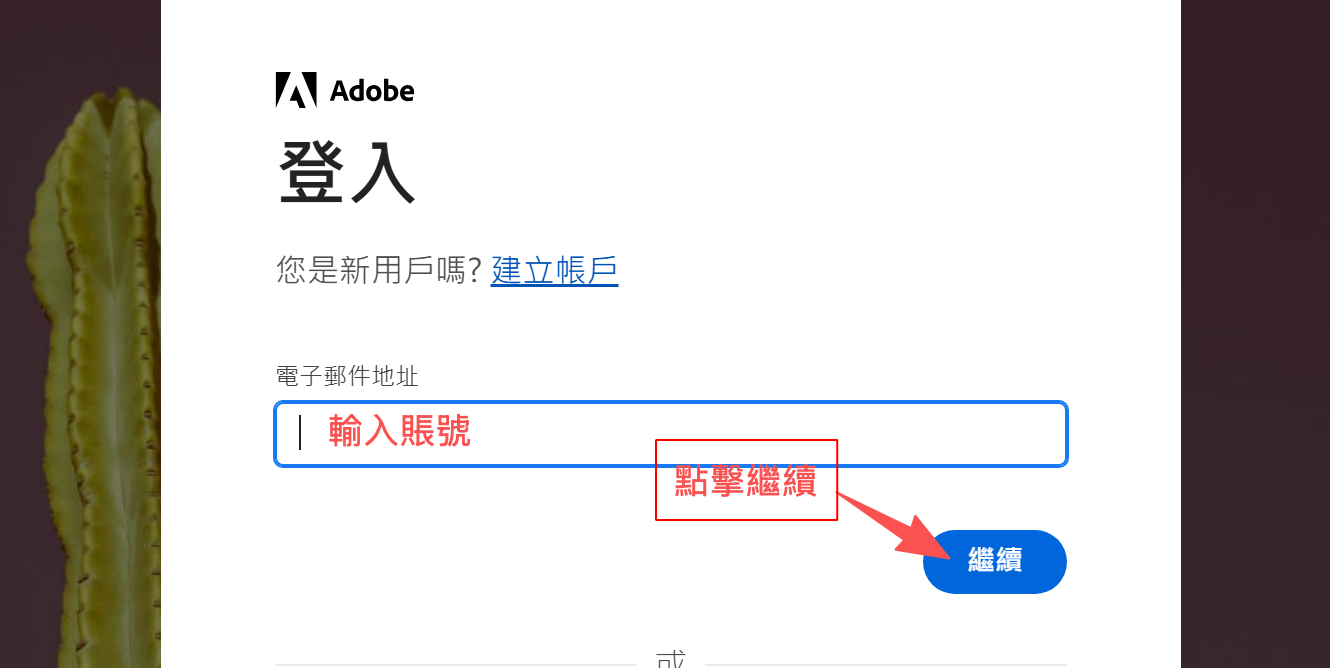
1、拿到賬號首先登錄:https://account.adobe.com/profile
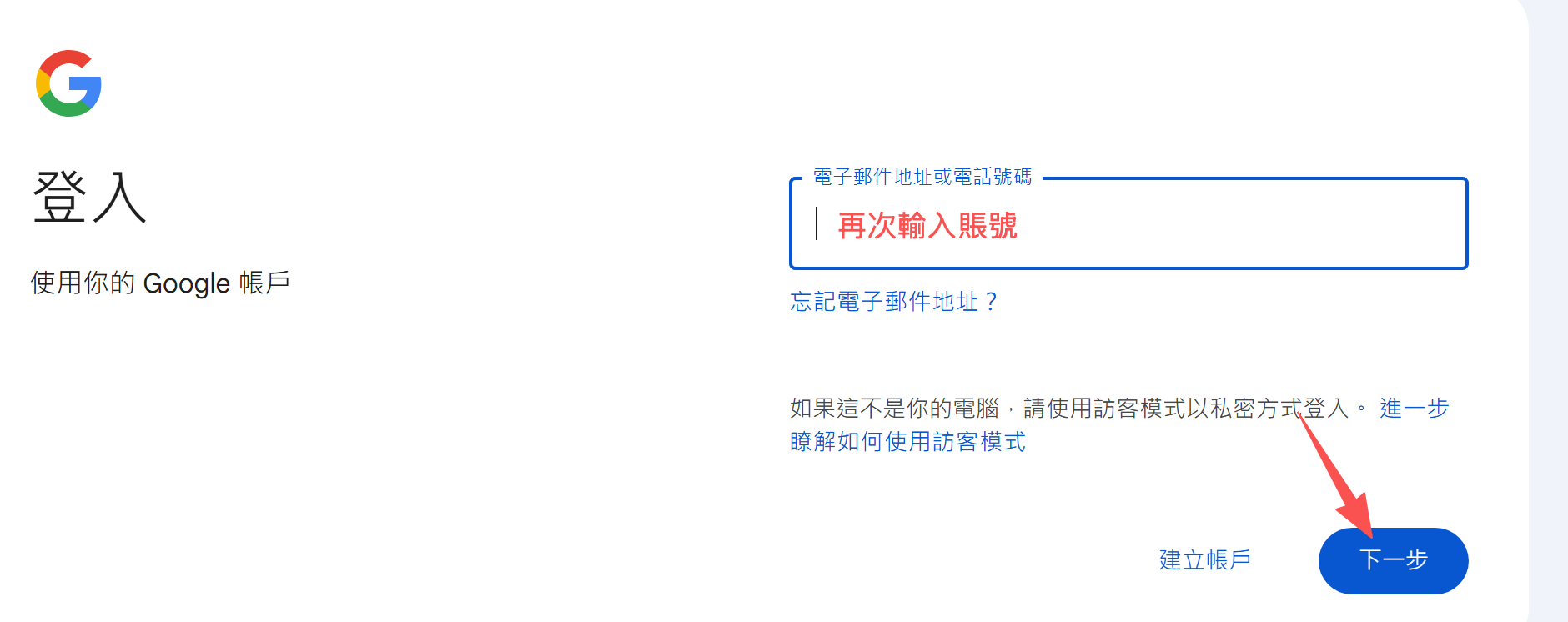
2、會跳轉至Google登錄,再次輸入賬號。
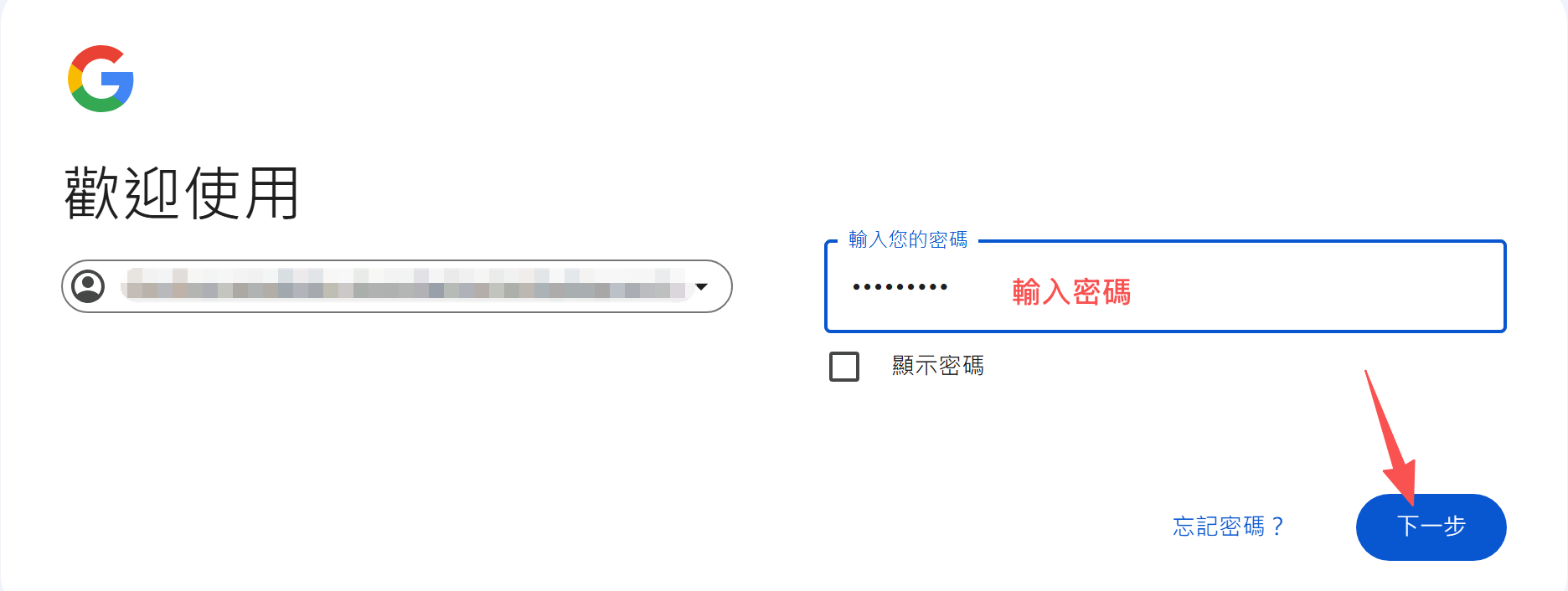
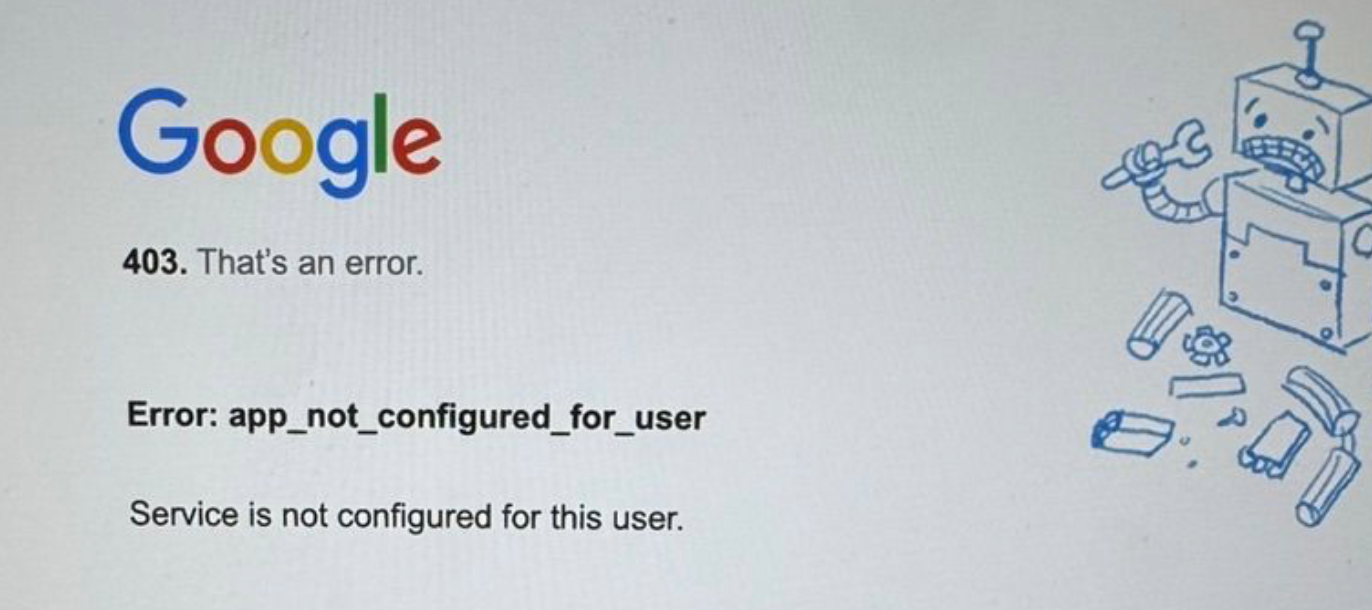
3、輸入密碼即可登錄,(如果報錯403請清理瀏覽器記錄後再重新嘗試登錄)。
 |
 |
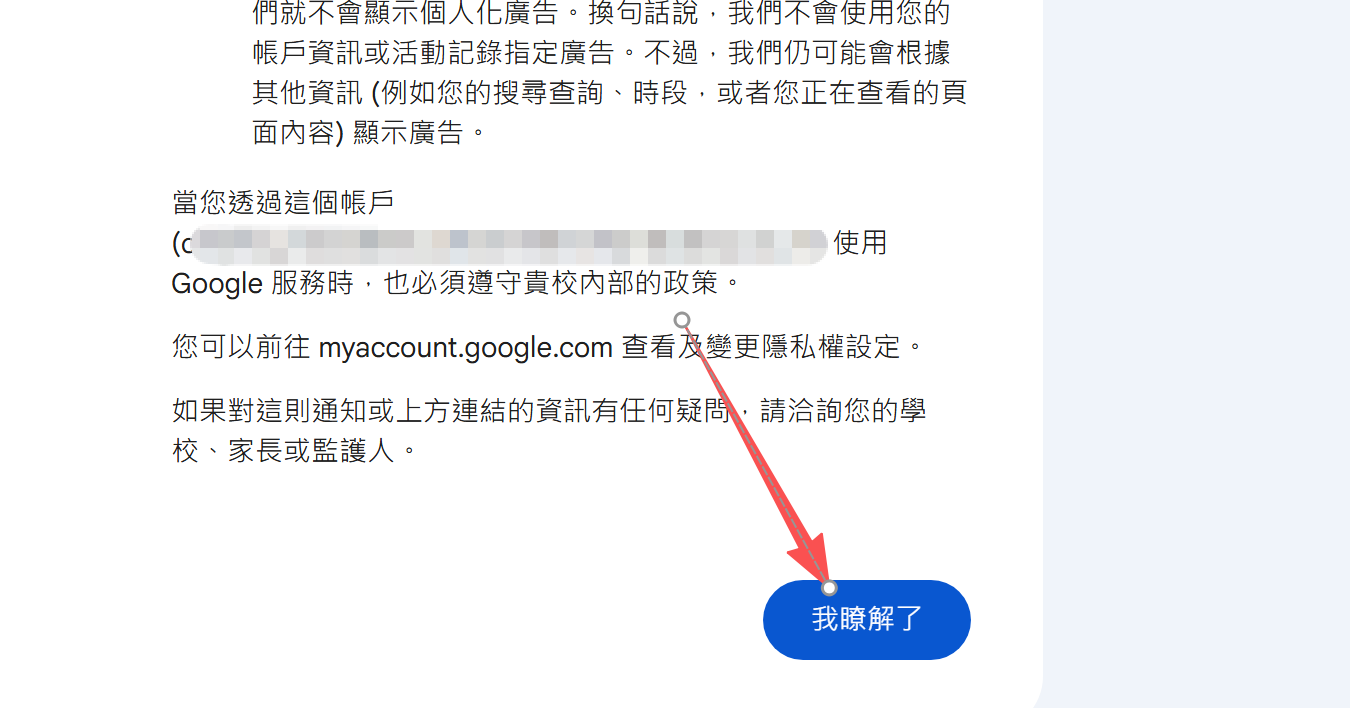
4、滑到最下面,點擊右下角我已經了解即可進如。
5、最後請下載 Creative Cloud App (電腦桌面版),下載地址:https://creativecloud.adobe.com/apps/download/creative-cloud?locale=zh-Hant
安裝 Creative Cloud App 並打開,點擊登錄賬號(若已經登錄其他賬號,請登出再登入此賬號)